Panorama Stitching
Many frames, one frame — beyond the format
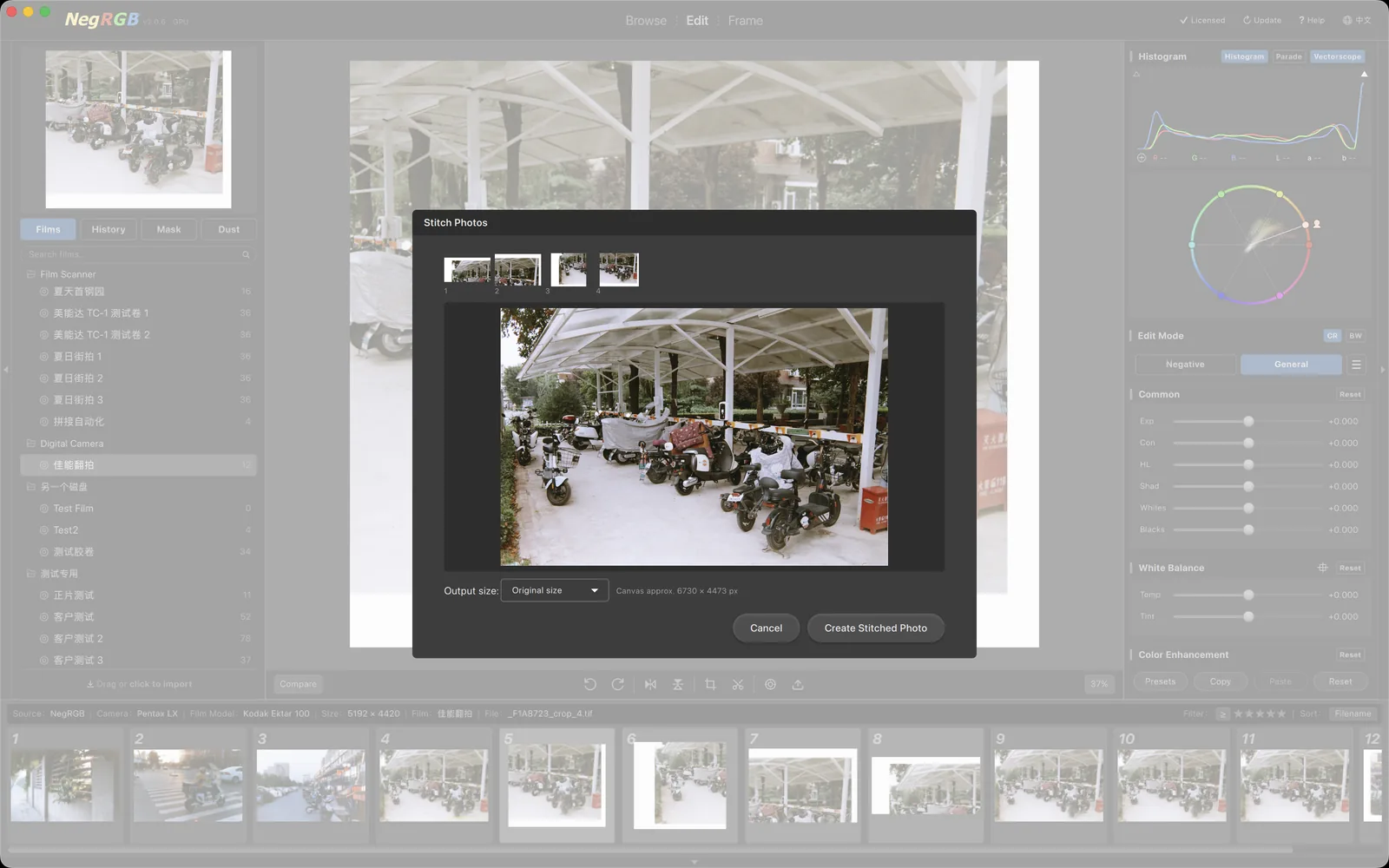
Captured a scene larger than a single frame, or stacking frames for ultra-high resolution? Multi-select photos in the browse grid, right-click "Stitch Photos", and NegRGB handles feature matching, layout and blending for you — writing a 16-bit TIFF back into the current film. Cropping, cast removal, masks and dust healing all work on it exactly like any single photo.
Highlights
- —Multi-select in the browse grid or the edit filmstrip, right-click to stitch
- —Overlaps detected and frames arranged automatically — strips, columns and 2D grids
- —Full-resolution edge-by-edge alignment, tight to the pixel
- —Exposure differences across overlaps auto-compensated, seams blended invisibly
- —Film-holder borders and scan surround auto-detected and trimmed from the canvas
- —16-bit TIFF output registered in the current film — a negative stays a negative
Fully automatic matching and layout
No manual ordering needed: NegRGB analyzes how your photos overlap and arranges them on its own — horizontal strips, vertical joins and 2D camera-scan grids all work. Photos that cannot be stitched are listed by name, never silently dropped. Film-holder borders and unexposed scan surround are detected automatically: excluded from alignment and kept out of the output canvas entirely.
Pixel-tight, full-resolution alignment
Every pair of neighboring frames is refined against its full-resolution pixels, tightening alignment to within a pixel; exposure differences across the overlaps are compensated automatically and the seams are blended smooth — no stitch lines even when you zoom in. All heavy work runs in the background, and the dialog preview reflects the final result in real time.
The stitch is just a new photo
The result is a 16-bit TIFF registered into the current film, placed right next to the source photos. Stitched negatives stay negatives — cast removal, auto tone, masks, dust healing and frame output all work as usual. The output size is selectable, with the canvas dimensions estimated live in the dialog. Preview and final output render with the same inherited parameters: what you see is what you get.