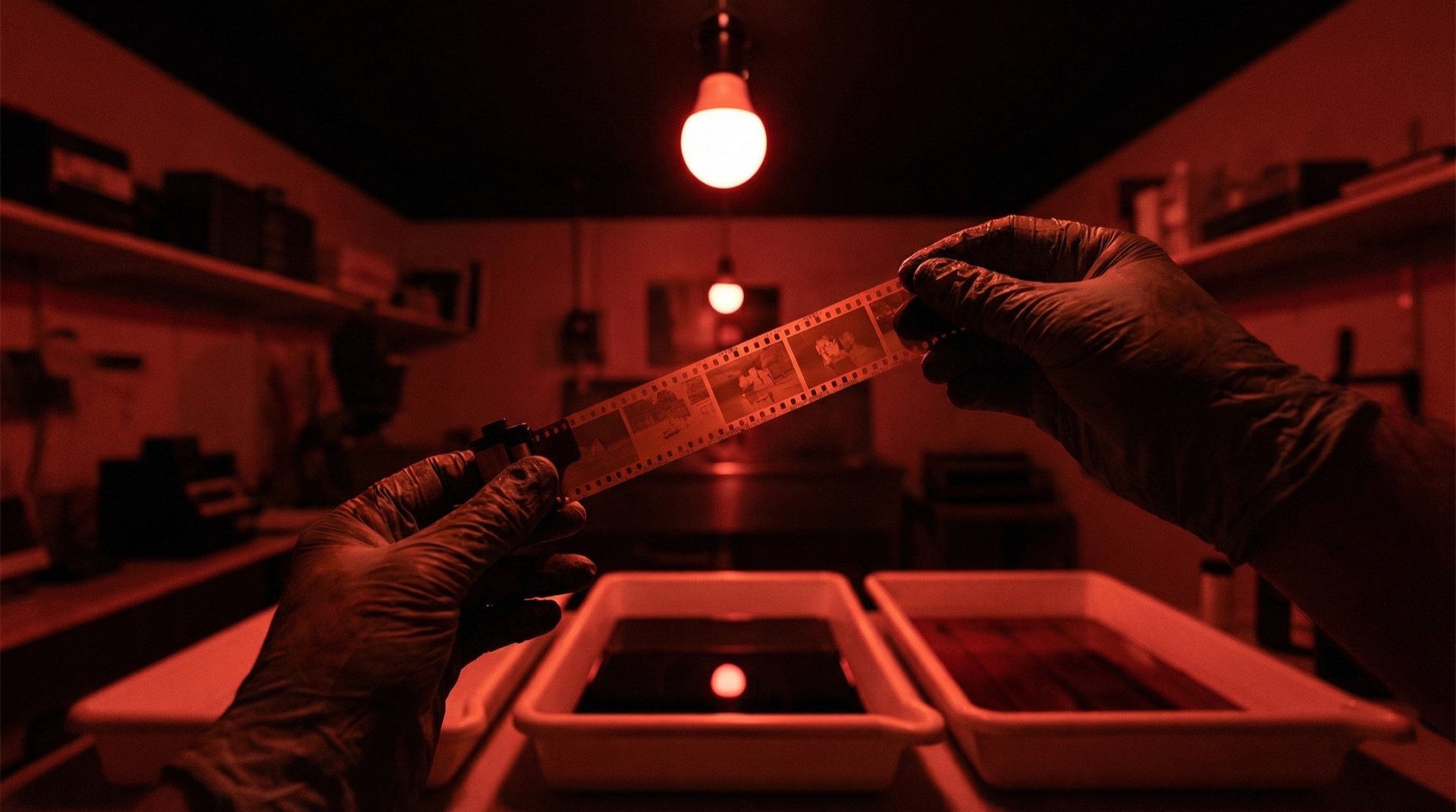
From Negative to Final
All in One App
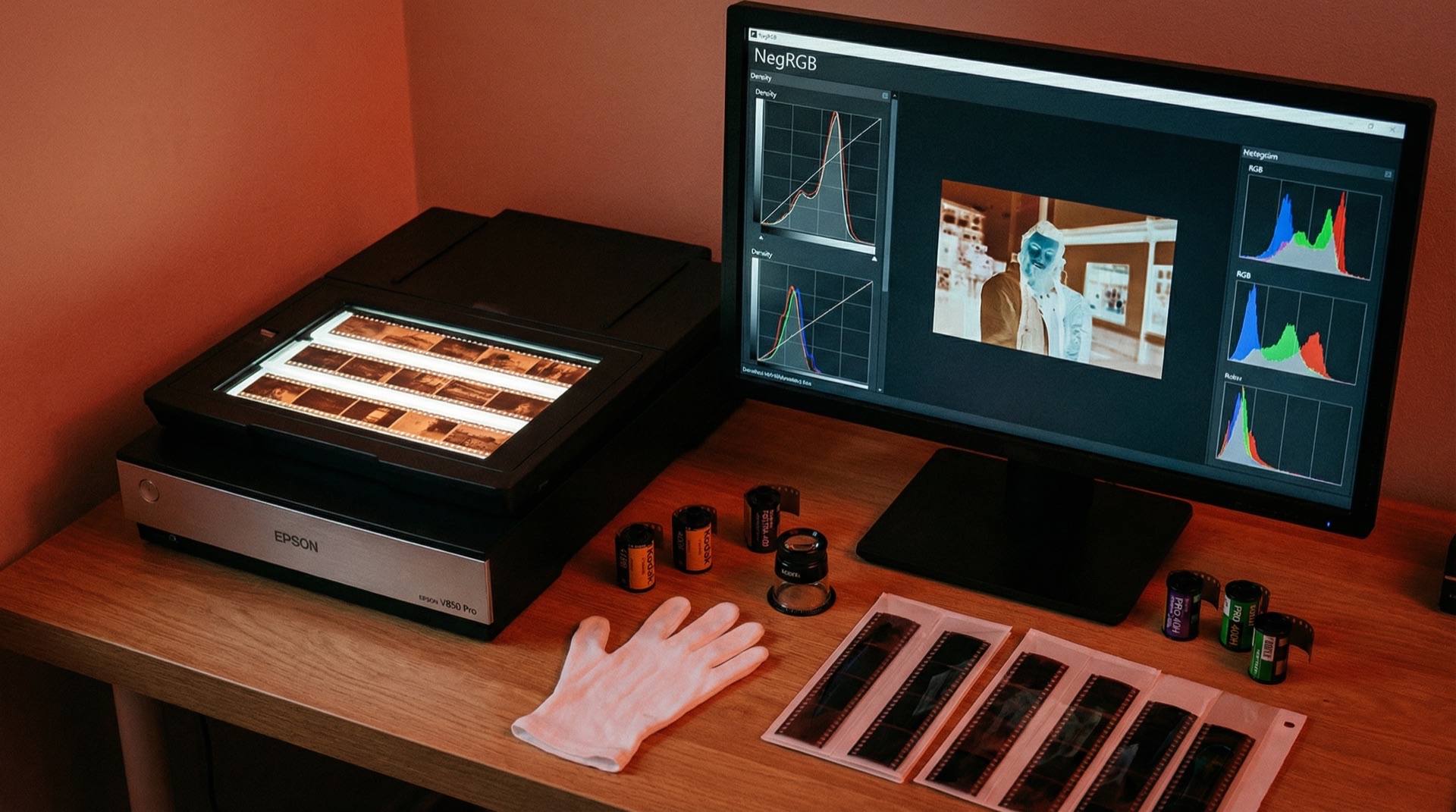
Import scanned or camera-captured negatives with automatic cast removal. Non-destructive editing, dust healing and framed output — the complete film workflow, all in NegRGB.
From Scan to Output, in One Flow
Import, convert, edit, heal, export — the complete film post-production loop in a single app.

Import
Drag in TIFFs from your scanner or RAW files from your camera rig — photos file themselves into film rolls, as natural as archiving your negatives.
- —TIFF, DNG and all major RAW formats
- —Drag-and-drop import, organized by roll
- —Scanner and camera capture alike

Convert
Casts are removed automatically on import. A density-space algorithm rooted in photographic science simulates optical enlargement, restoring the true colors and tones of your film.
- —Automatic cast removal, out of the box
- —Three precise controls: Dmax, Contrast, Center
- —32-bit float pipeline, high precision throughout

Edit
Exposure, independent RGB channels, density curves, layered masks, crop & rotate — every common tool is here, and every adjustment is non-destructive.
- —Independent RGB exposure & gamma
- —Local adjustments with masks
- —Crop, vignette, sharpen, dehaze
Heal

Hold Ctrl and click to erase spots, paint to heal scratches, or hold Ctrl+Alt and click both ends of a straight scratch to heal it in one stroke. Let the scanner's infrared channel detect dust across the whole roll, and GPU-accelerated inpainting makes every defect vanish.
- —Click to erase spots, paint to heal scratches
- —Ctrl+Alt straight-line scratch repair
- —Infrared dust detection
- —GPU-accelerated smart fill
Export

Finish your work with frames and text, then batch-export the whole roll. 8/16-bit TIFF, PNG, JPEG and 10-bit HEIC with full ICC color management, ready for print and share.
- —Frames & overlay elements
- —Copy params, batch-export the roll
- —TIFF / PNG / JPG / HEIC formats
Density Space Processing
Unlike traditional RGB inversion, NegRGB works in the density domain
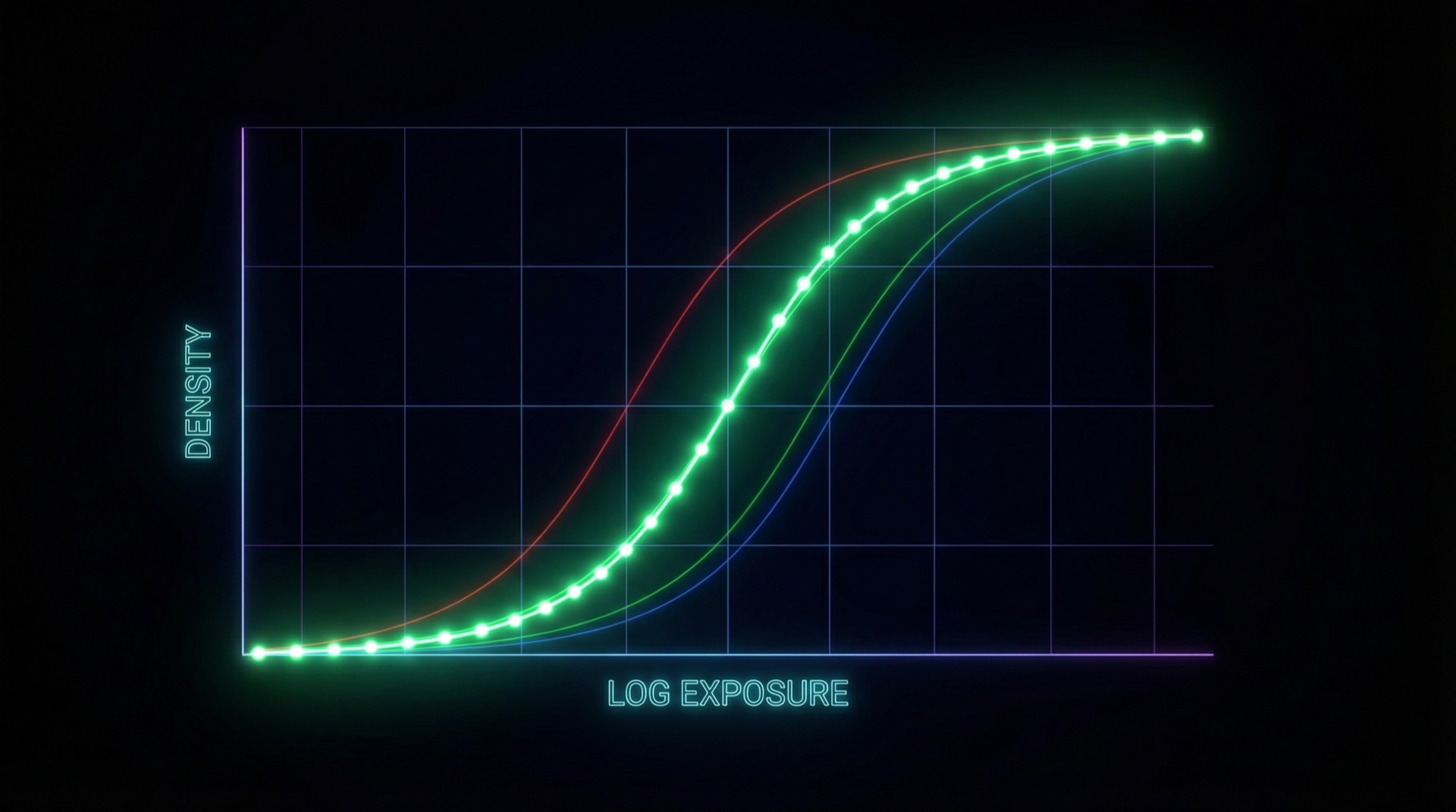
Traditional negative conversion methods perform inversion directly in RGB color space, ignoring the physical characteristics of film. NegRGB uses a density-space processing algorithm that converts scan data into the density domain, simulating the principles and process of optical enlargement — resulting in more accurate color reproduction.
Maximum Density
Controls the density value at the deepest point of the film, determining the overall brightness of the photo.
Density Contrast
Adjusts the slope of the density curve, controlling the overall contrast of the photo.
Density Center
Sets the midpoint of the density curve, influencing the brightness and tonal character of the photo.
Non-destructive by design
Every adjustment in NegRGB is stored as parameters — your original files are never touched. Experiment freely: every step is reversible, and any moment in your edit history is one click away.
Parametric Adjustments
Adjustments are recorded as parameters, never baked into pixels. Your original scans stay pristine.
Full Edit History
A Lightroom-style history panel lets you step back through every edit on every photo.
Reusable Parameters
Dial in one frame, paste the look onto the rest of the roll for a consistent style.
Your entire film archive, in one folder
A film repository is just an ordinary folder on your disk: every roll, photo, adjustment and cache lives inside it. No proprietary database, no cloud lock-in — your data stays in your hands.
- —Organize photos by roll: repository → film → photos, clear at a glance
- —Each roll's settings and cache live inside the roll's own folder, traveling with it
- —To migrate, just copy the folder — every adjustment survives the move
Copy this one folder, take the whole repository with you
Every tool your workflow needs
From conversion to final output, NegRGB covers every step of film post-production — you will hardly ever need Photoshop, Lightroom or Capture One again.
- Auto Cast Removal — basic conversion done on import
- Density-Space Conversion — precise Dmax, Contrast & Center control
- Independent RGB Channels — per-channel exposure & gamma for any cast
- Density Curves — shape tone and gradation precisely
- Point Color — sample and adjust — precise hue, saturation & luminance control of any color
- Style Match — drop in a reference photo — multi-layer solving matches tone & color style
- Masked Local Adjustments — layered masks for local exposure & color
- Dust & Scratch Healing — Ctrl-paint to heal, infrared auto-detection
- Image Stitching — auto-align selected photos into one panorama negative
- Frames & Overlays — sizes, colors, text and image overlays
- Batch Processing — copy & paste params across the roll
- Edit History — every step reversible, anytime
- Histogram, Parade & Vectorscope — professional scopes with pixel readout
- Crop & Rotate — recompose freely
- Vignette, Sharpen, Dehaze — lens correction and detail work
- GPU Acceleration — real-time preview via Metal / Vulkan
- ICC Color Management — wide-gamut ProPhoto RGB workflow
- 16-bit Export — TIFF with every detail preserved, print-ready
Every feature, worth a closer look
From cast removal to framed output — explore the core editing capabilities of NegRGB.
Negative Conversion
Density-space controls and per-channel RGB correction, auto or manual
Learn more02General Adjustments
Exposure, curves, color grading, sharpening, lens correction — all here
Learn more03Positive Film
Import slides and digital photos directly, with system-consistent color
Learn more04Scopes & Navigation
Histogram, parade, vectorscope with skin tone line, plus a full-image navigator
Learn more05Edit History
Lightroom-style history, every step retraceable
Learn more06Masks
Layered local adjustments with delta params that track the base
Learn more07Dust Healing
Ctrl-swipe healing plus infrared-channel auto detection
Learn more08Crop & Split
Recompose, or split one scan into multiple finished files
Learn more09Panorama Stitching
Auto-matched multi-frame stitching into a 16-bit panorama photo
Learn more10Channel Composite
Three separations, auto-assigned channels, one full-color image
Learn more
Broad File Format Compatibility
No matter which scanner or digital camera setup you use, NegRGB has you covered.
Universal
Nikon
Canon
Sony
Fujifilm
Pentax
Panasonic
Hasselblad
Color space: sRGB / Display P3 / Adobe RGB / ProPhoto RGB (JPG is sRGB only). Export at original size or with a custom long-edge limit, optionally with a frame.
Start Your Film Digitization Journey
Download the latest version for macOS and Windows to start your film digitization journey.
macOS ARM version requires macOS 14 or later. macOS x86 version requires macOS 12 or later. Windows version requires Windows 10 or later.
Torrent and magnet links require a BitTorrent client like qBittorrent. Xunlei users: use the Torrent button or paste the download URL into Xunlei (Thunder for Mac cannot resolve magnet links)
Choose Your Plan
Activate a license to remove watermarks and enjoy the full experience. Each license can be activated on 1 device, valid for 1 year.
Failed to load prices, please refresh